


See where Turbo places your listing #
Select a tool to compare its placement in search results.
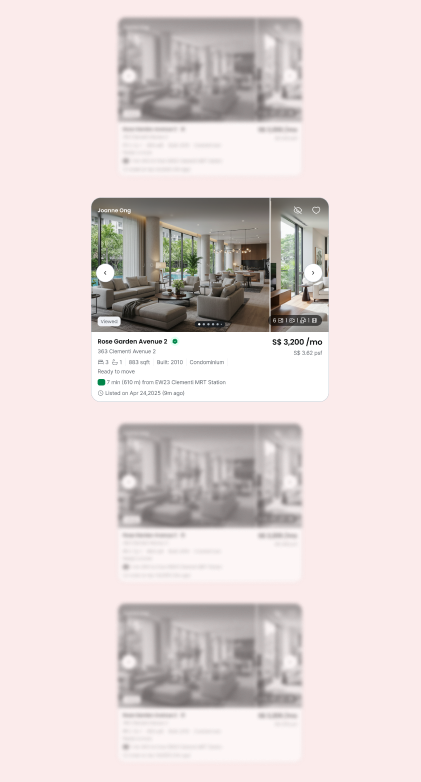
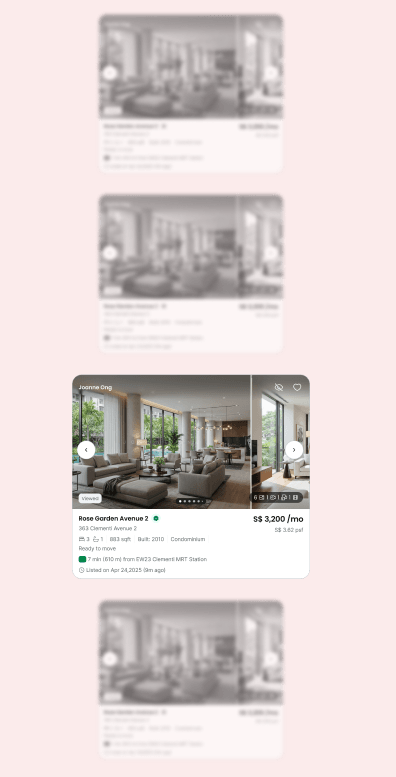
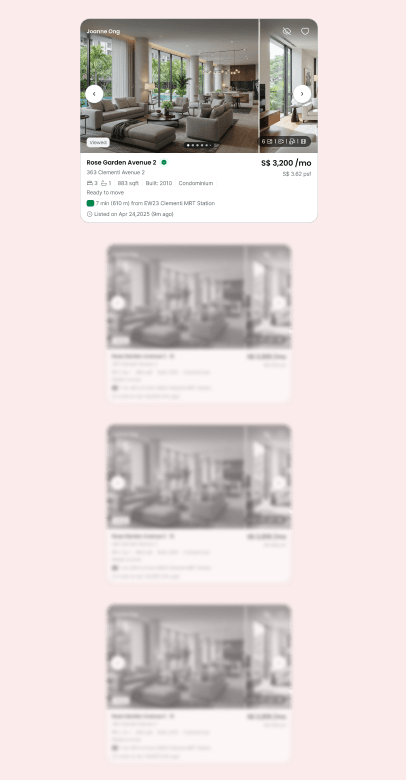
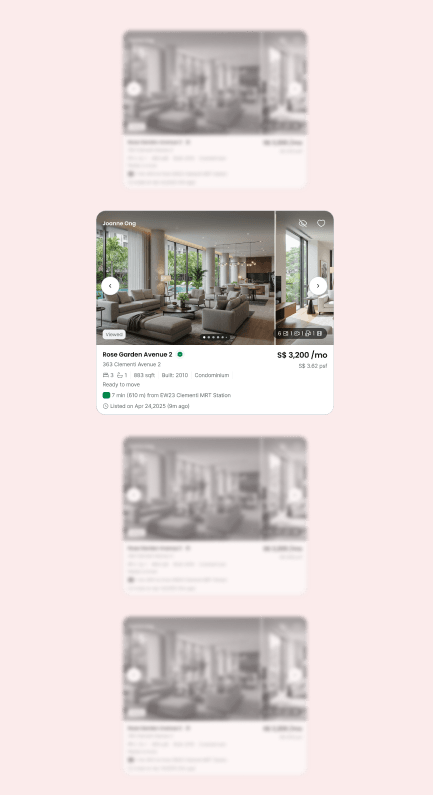
- Boost ranks above regular listings.
- Turbo ranks above Boosted listings.
- Turbo Pro holds a guaranteed top 10 spot, for Gold and Platinum agents only.
How Turbo works
#
Before you activate Turbo, check these conditions.
- Duration: each Turbo lasts 7 days.
- Quality Score: your listing must have a Quality Score of at least 95%.
- Ad Credits: Turbo is paid for with Ad Credits. Dynamic pricing applies based on market demand and listing supply, so check the price shown in AgentNet before you confirm.
- Upgrading from Boost: you only pay the difference between the value remaining on your Boost and the cost of Turbo. See Upgrade from Boost to Turbo.
Turbo your listings #
Select the method you want to use.
Go to AgentNet > Listings #
Open the Listings section to see your active listings.
Select the listing you want to Turbo and select Turbo #
Turbo appears among the upgrade options on the listing.
Review the Boost details #
The Ad Credits needed are shown before you confirm.
Select Turbo Now to activate #
Turbo starts immediately and runs for 7 days.
Open the Turbo tab on your listing #
Go to AgentNet > Listings and select the listing you want to renew automatically.
Switch to Auto-Turbo and confirm #
Your listing renews every 7 days until you turn Auto-Turbo off or the listing expires.
Check the refreshed ranking #
Each renewal refreshes your listing’s position among Turbo listings.
Turn off Auto-Turbo when you no longer need it #
Open the listing’s Turbo tab and select Deactivate Auto-Turbo. No further Ad Credits are deducted.
Upgrade from Boost to Turbo #
You can activate Turbo while Boost is running. You pay only the difference between the value remaining on your Boost and the cost of Turbo.
Check Turbo status on your listing #
The Turbo tab on each listing shows its current state.